Slinky (New Version)
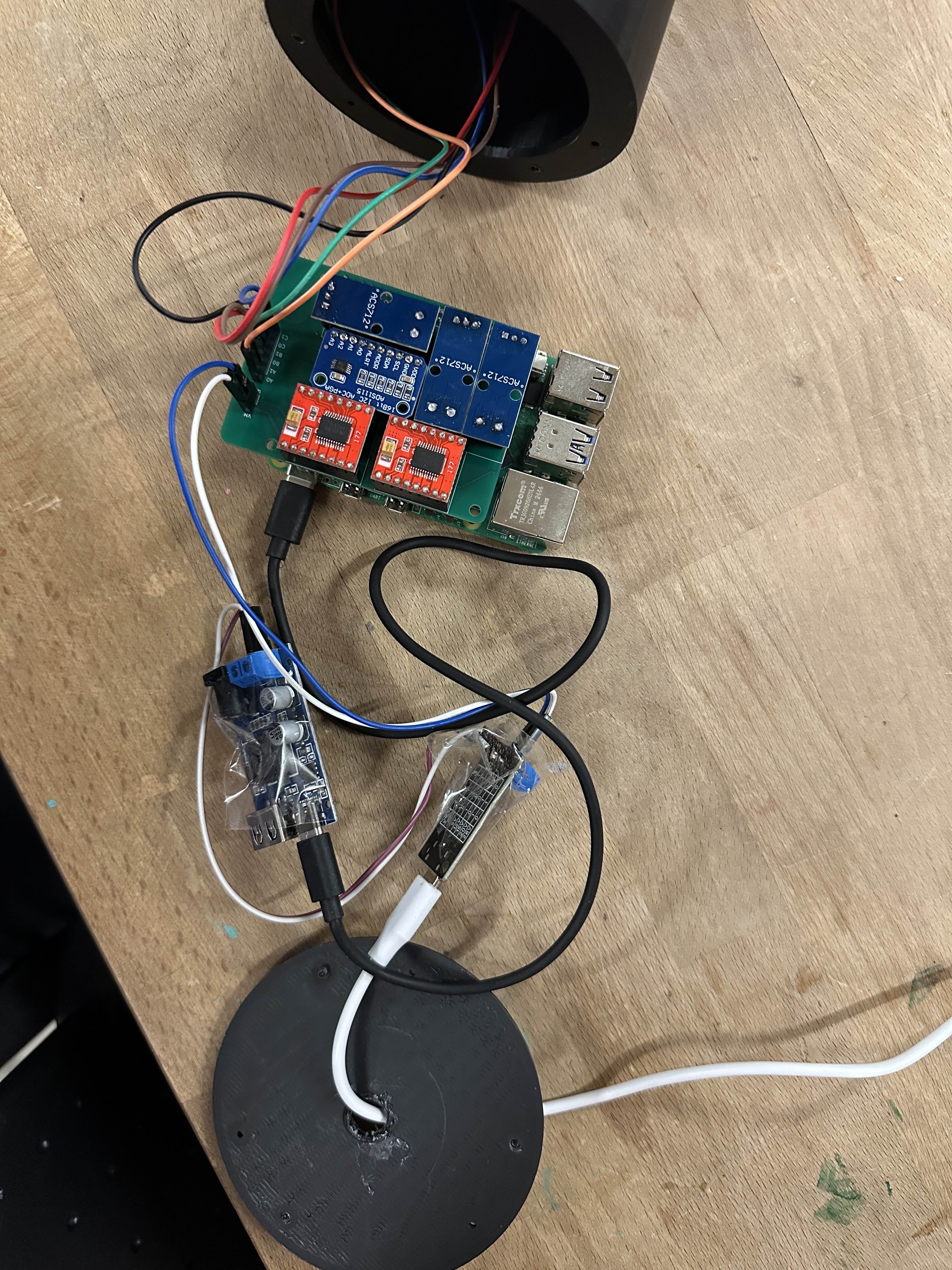
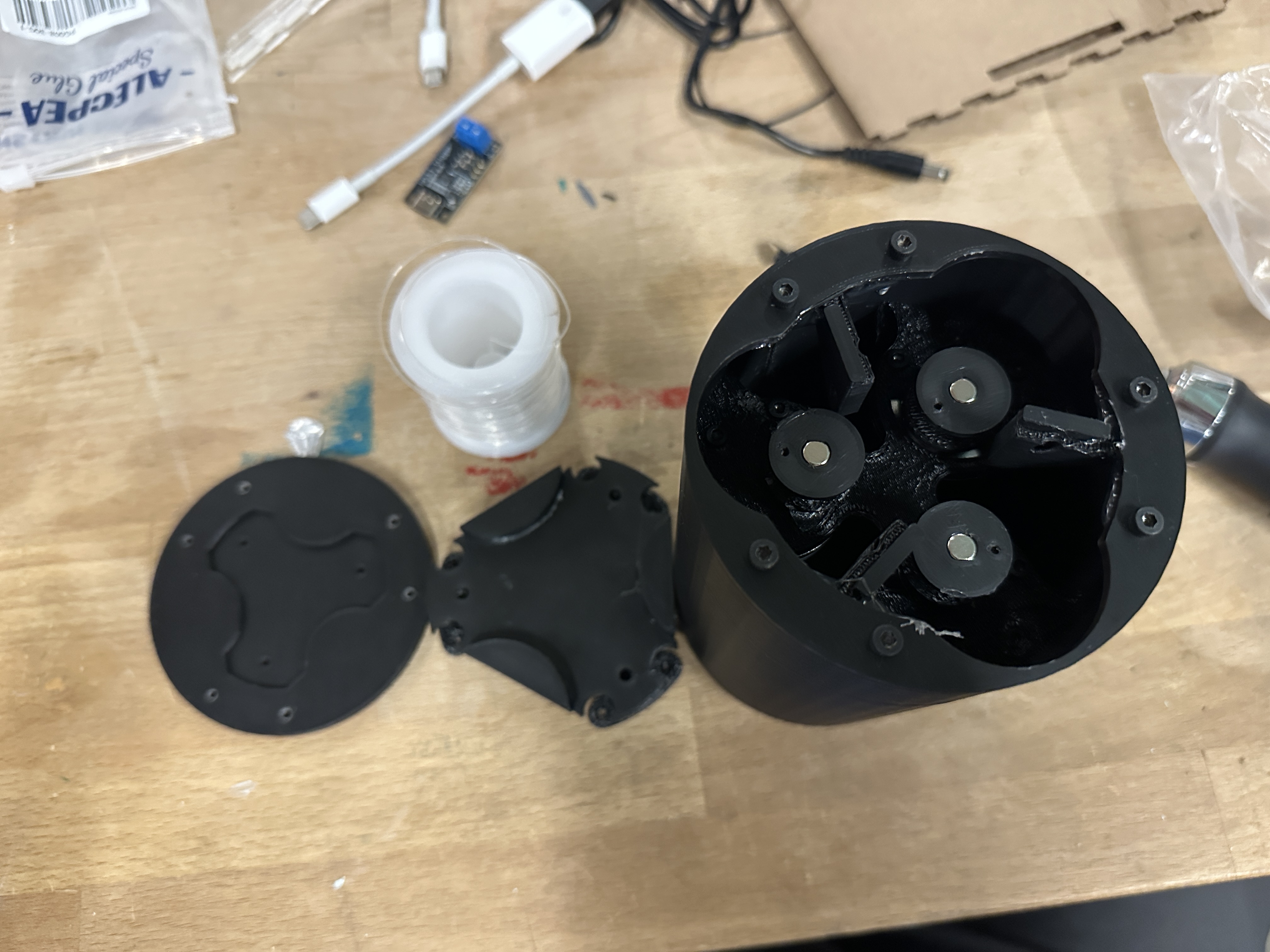
Hi Zach or whichever TA is grading this! This is my progress report for IDC2. Overall I made two significant upgrades to the tentacle. The first one is the new enclosure. As you can see in the images below, it is now a smaller form factor of a tube. This contains all of the electronics, motors and mechanical systems. I upgraded the electronics by using a custom made PCB board, along with several hours of soldering. For more in-depth details on challenges and the process, please check below.
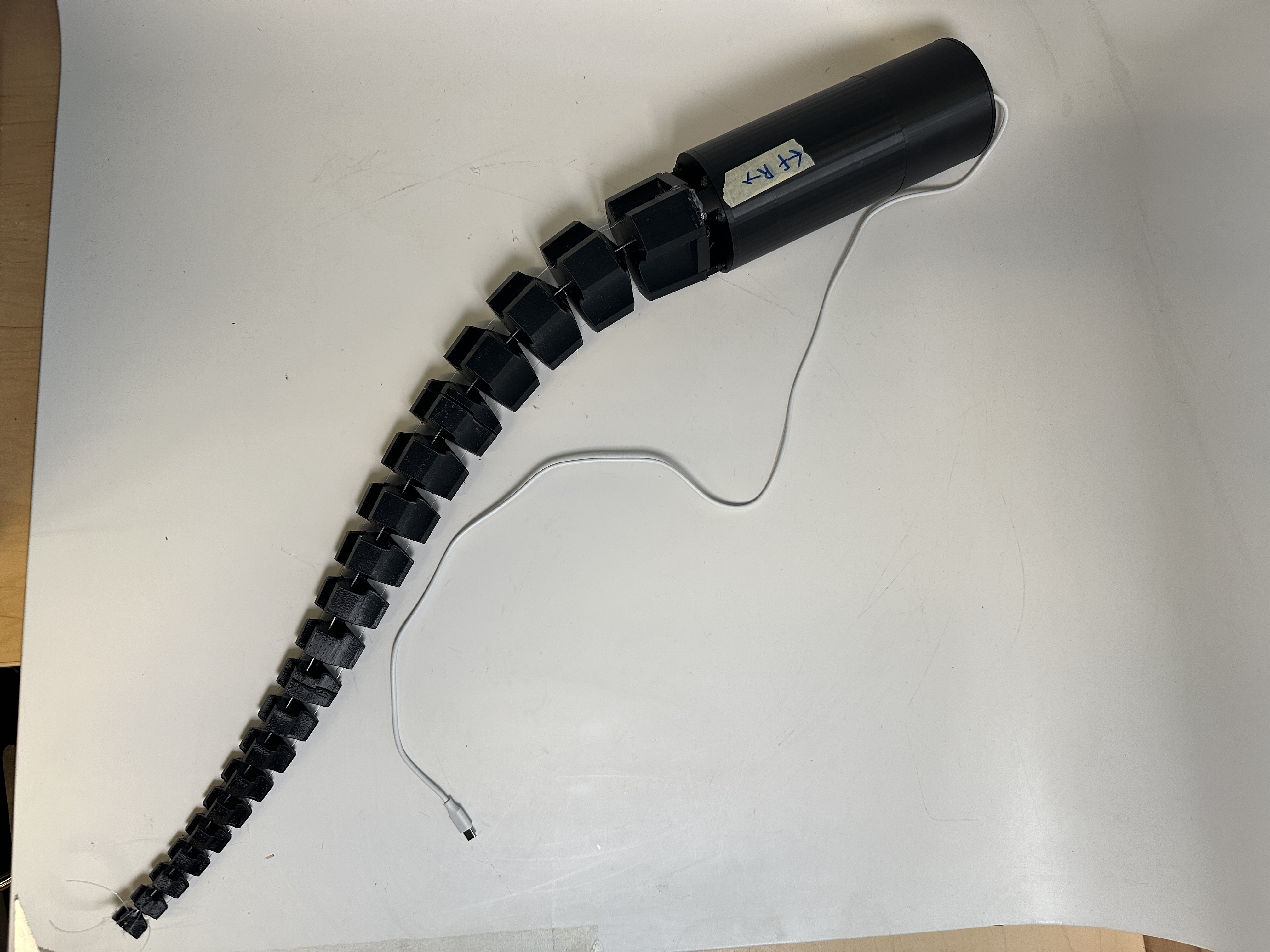
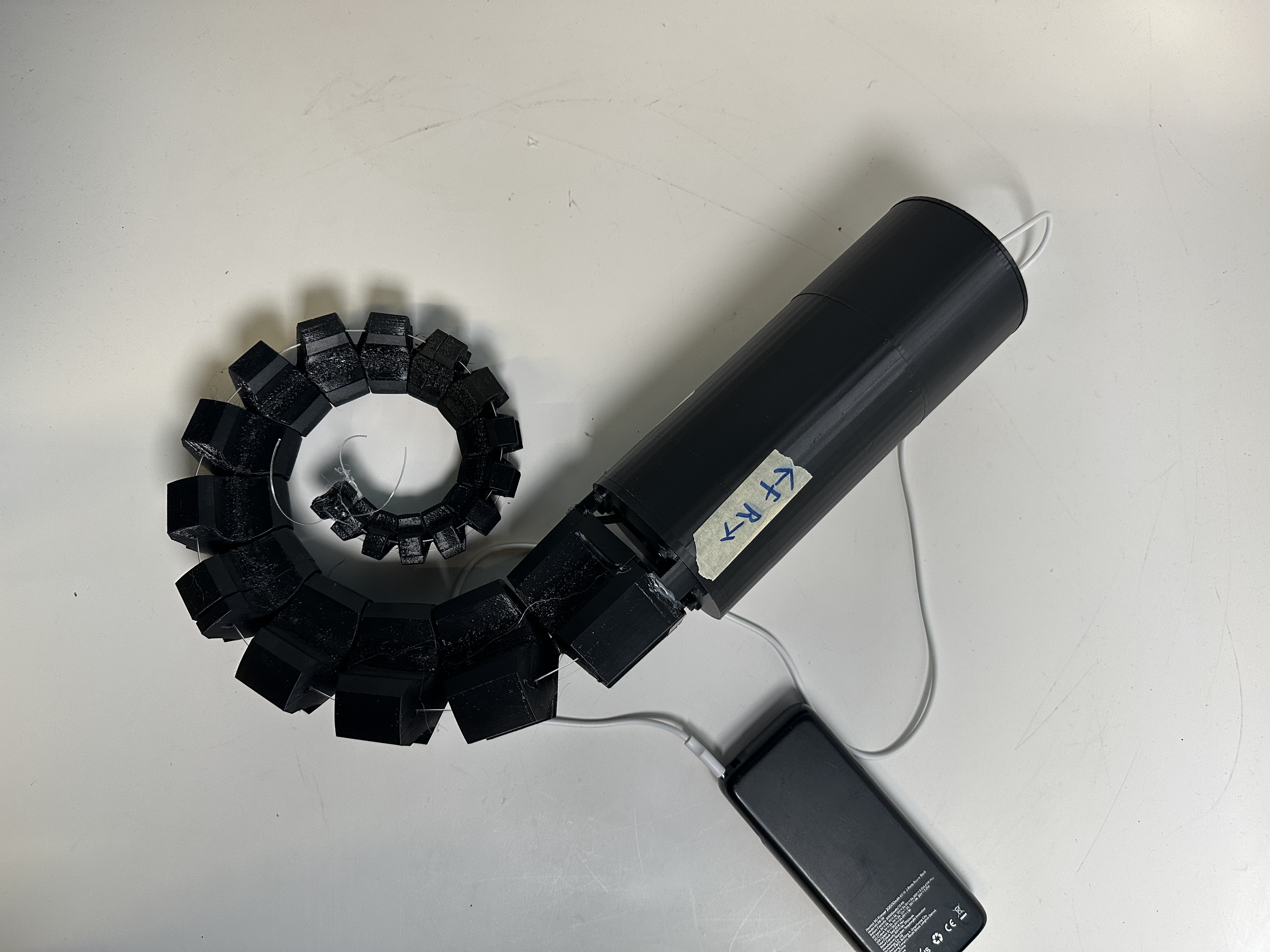
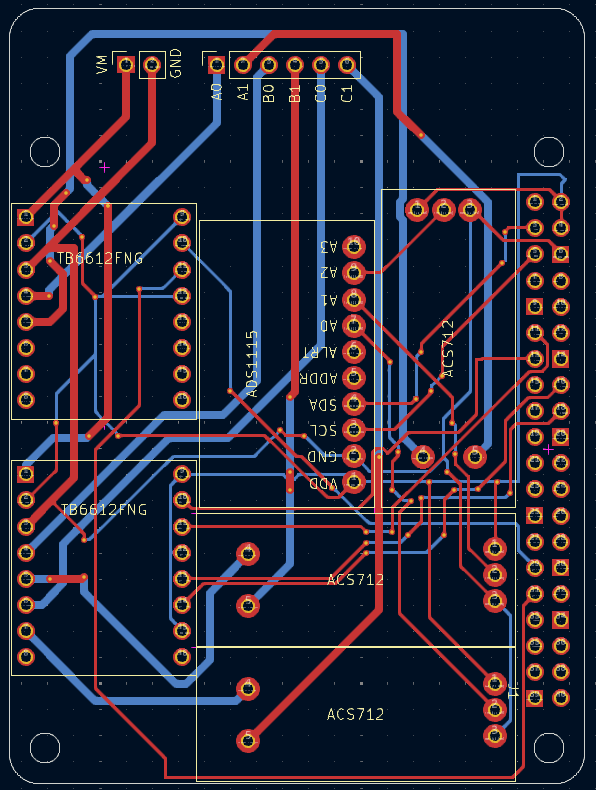
The biggest single change was upgrading my electronics from a breadboard to a custom made circuit board. I had used Diptrace a year or two ago for some project with stepper motors, and decided I should try to get back into it but instead with some newer programs. This lead me to using KiCad instead. I started out by making the schematic for the breadboard, basically just making each of the symbols of the chips I currently use and then wire them accordingly to my current breadboard. This took around 3-4 hours. The next step was recreating the modules dimensionally accurate so that they would slot in correctly once I got the custom board. This took another 3 hours, and I wasn't able to check if it was correct or not until the PCBs arrived . After that was just routing (planning out all of the wires), which probably took another 1-2 hours. I then sent it to JCLpcb to get it custom made and rushed order (As you know, it wasn't rushed fast enough for the in class demo).
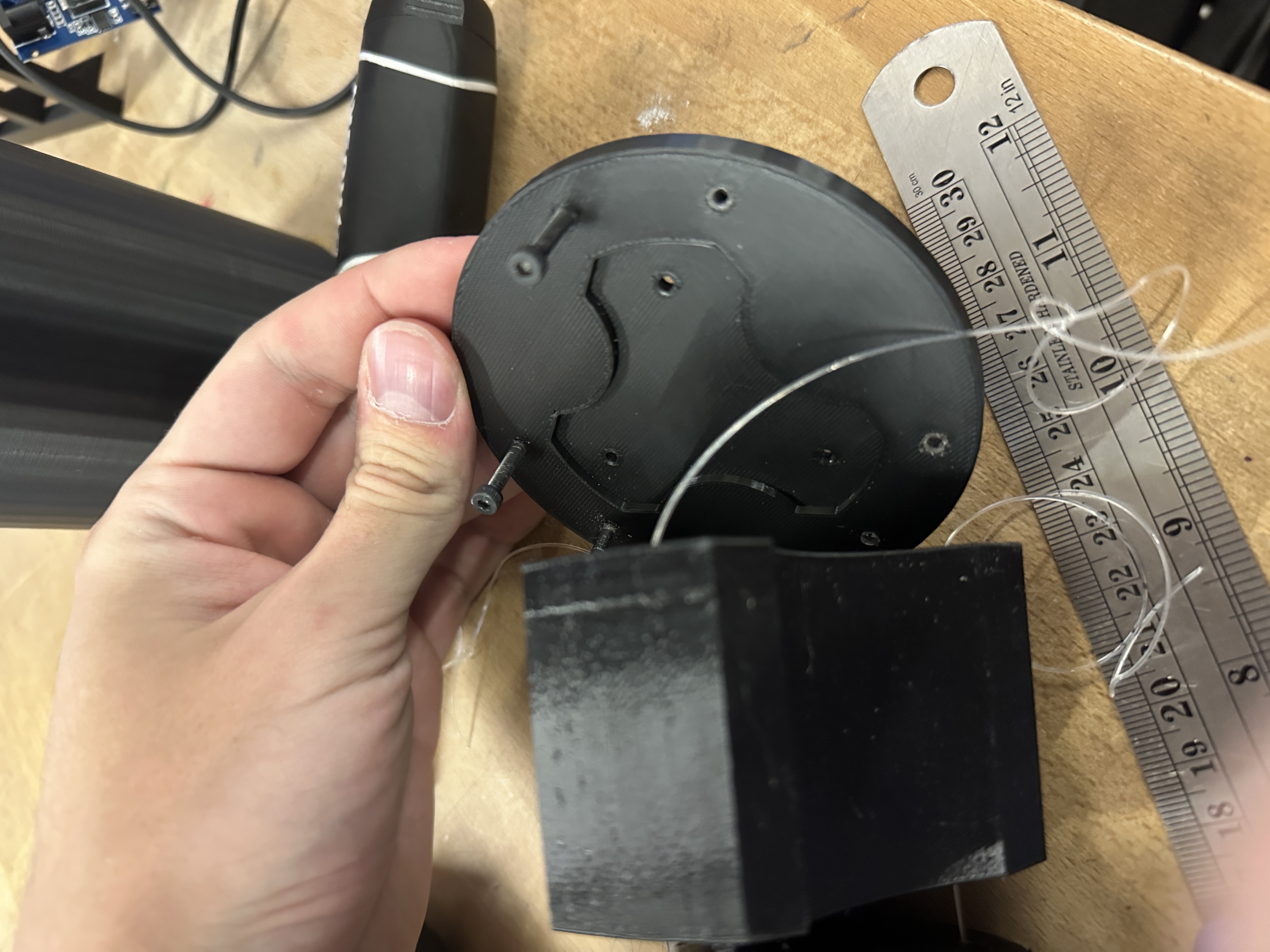
After finishing the circuit board and sending it off, I tasked myself to making a new enclosure to replace the old one. My plan was to have it shrunk down into a tube that would contain all of the motors, and electronics. My first challenege was to properly have the three motors sit nicely next to each other, while also spacing them out enough to make sure that they can be held without any fear of them pulling so hard they rip themselves out. After figuring out the best way to do this, and properly align the string to go on the spool, I started printing. Once it finished I discovered I had made a problem. The model I had used for the tentacle was smaller compared to the real one. Looking back I think I scaled it up in the prusaslicer and never made notice of it. I didn't have enough time before it was due to reprint it, so instead I decided to print an adapter for the upscaled one instead. After a few more hours of working through weird solidworks errors I finally got it done and printed it.
Finally putting it all together, it immediately failed. Not only did the motors not move, but the Raspberry pi didn't even turn on. After taking a few hours to try to figure out what the problem was, I had discovered that the current sensing modules were programmed in upside down in KiCad and were shorting the Pi when plugged in. Luckily all I had to do was unsolder the pins and resolder them in upside down. After that everything worked! Turning it on, the motors moved and everything looked amazing. Then in class the next day demoing, it pulled one of the tendons so hard it effectively slit its own wrist and then I had to apply some glue to hold it back in place since I didn't have the time nor filament to reprint the actual tentacle.
Here are the images for documentation I took while upgrading slinky.
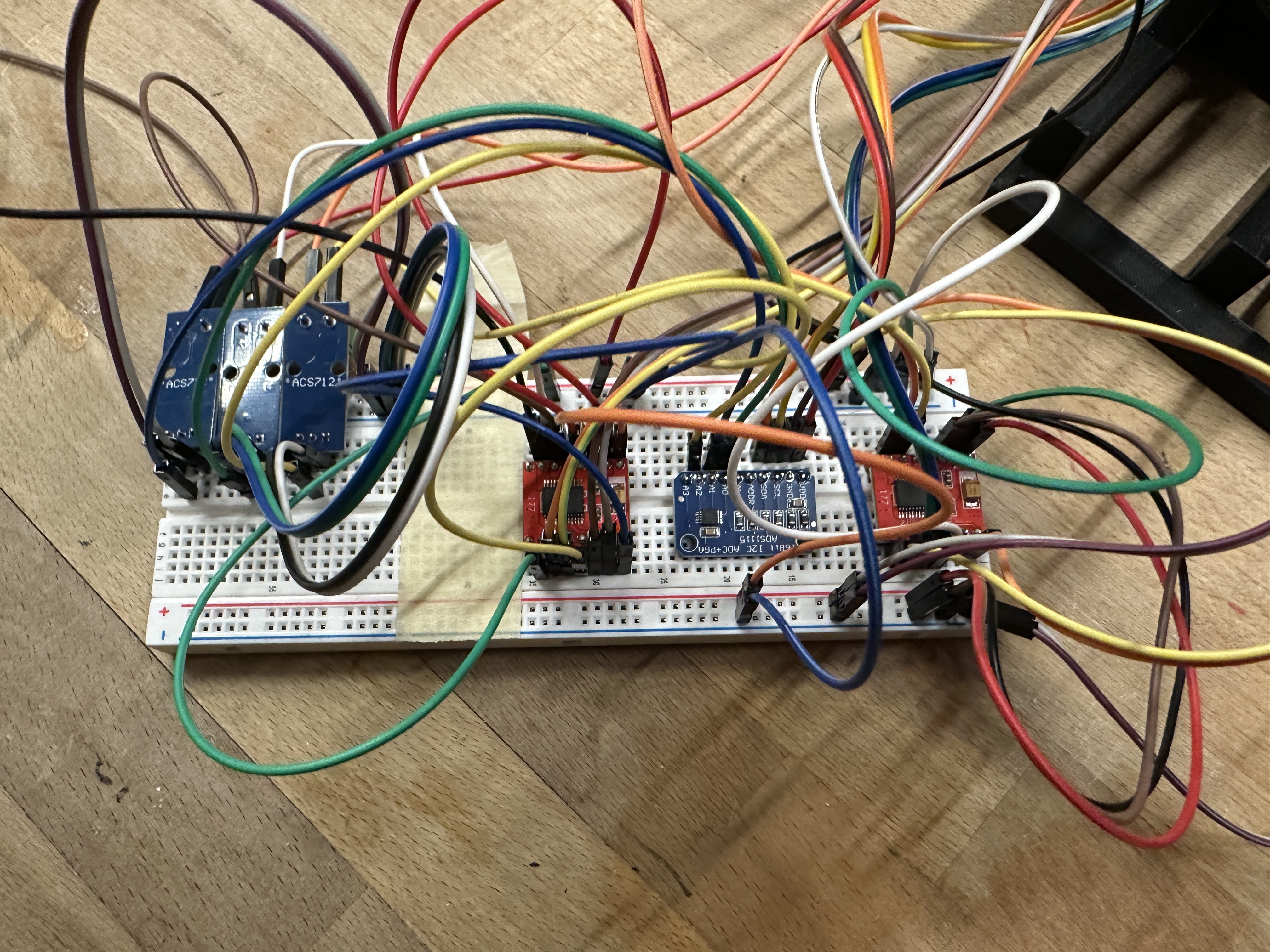
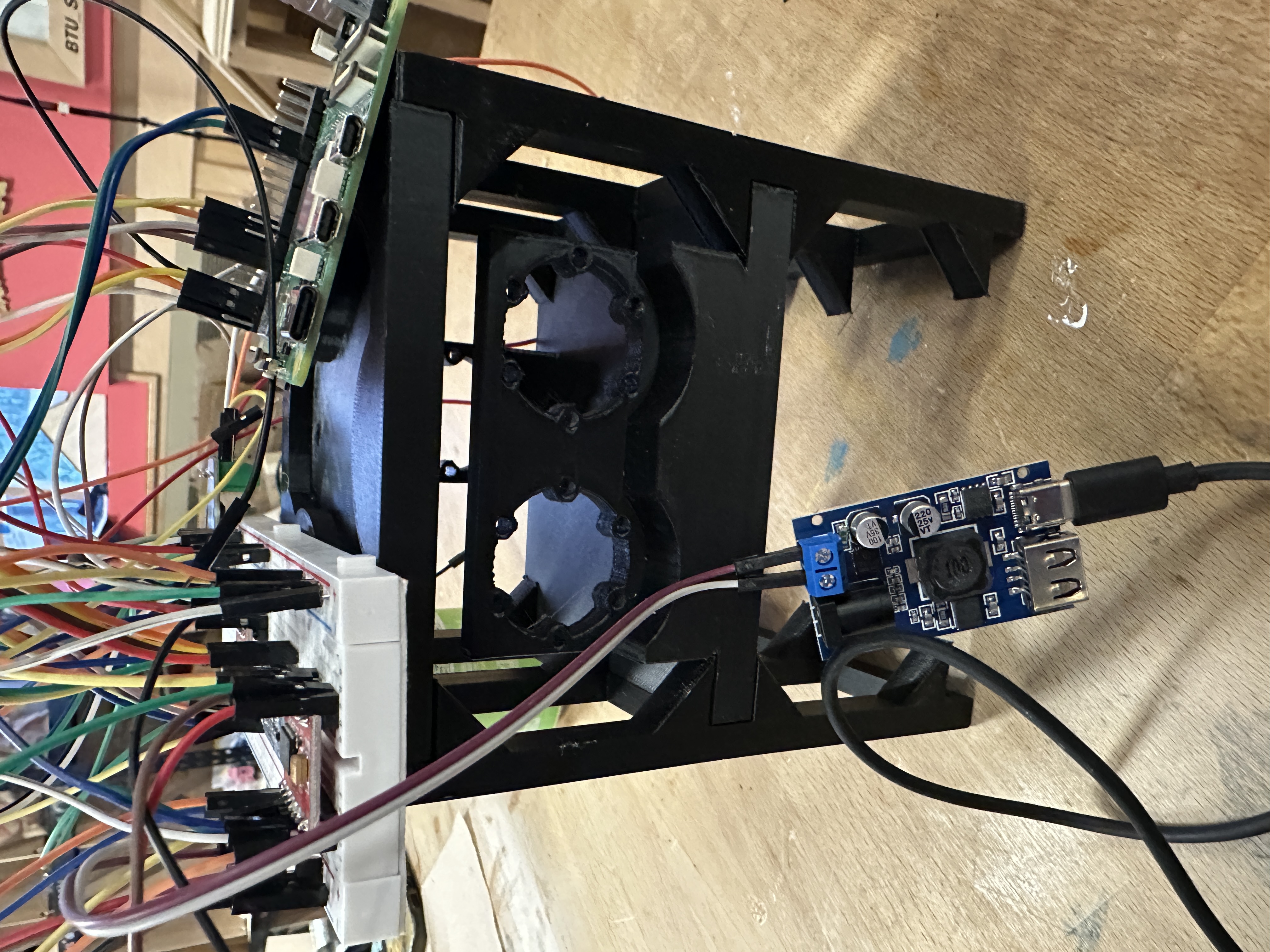
Slinky (Old Version)
Hi Zach or whichever TA is grading this! This is my IDC1 progress report for my independent study project slinky, also known as the robotic tentacle. As you can see: Above is the main video, however if you dislike the added images (I asked zach after class on thursday and he said it was ok but I understand if its not) the video straight from my phone is at the bottom of the page; Below you will see the two documentation photos (slinky unspooled and then spooled); A couple of sentences about my process and how everything works; And scanned versions of my handwritten documentation from my journal. Enjoy!
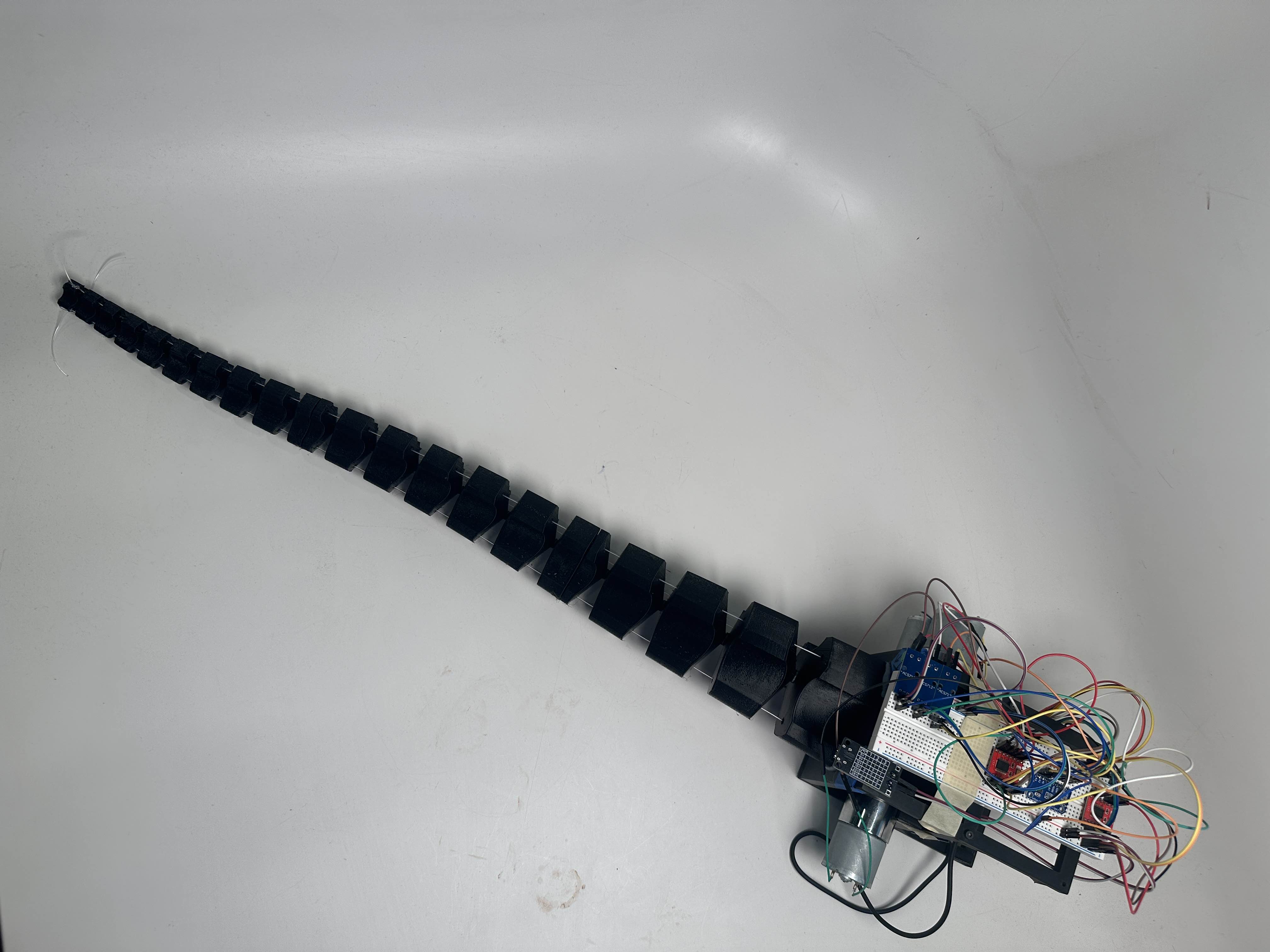
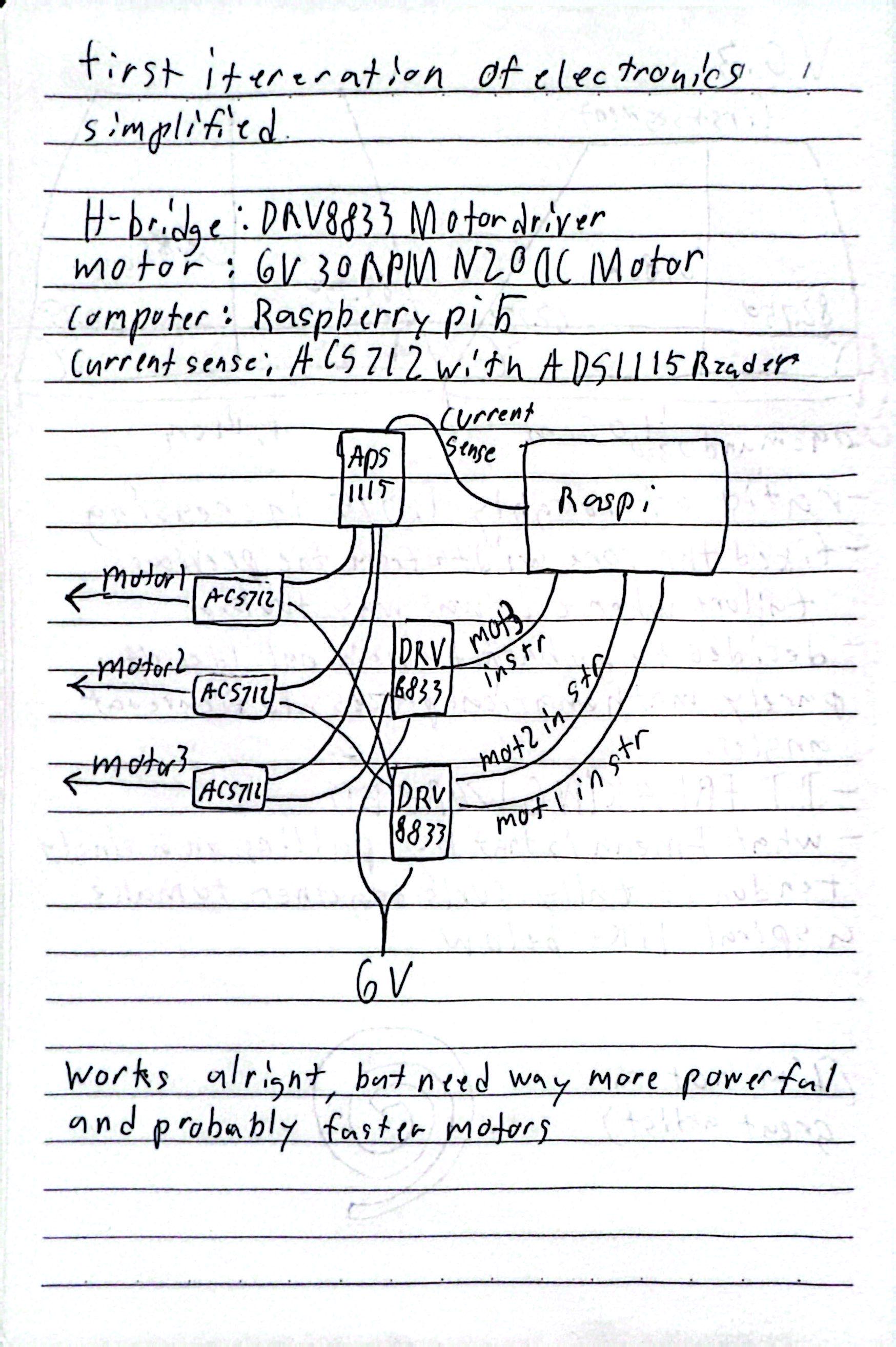
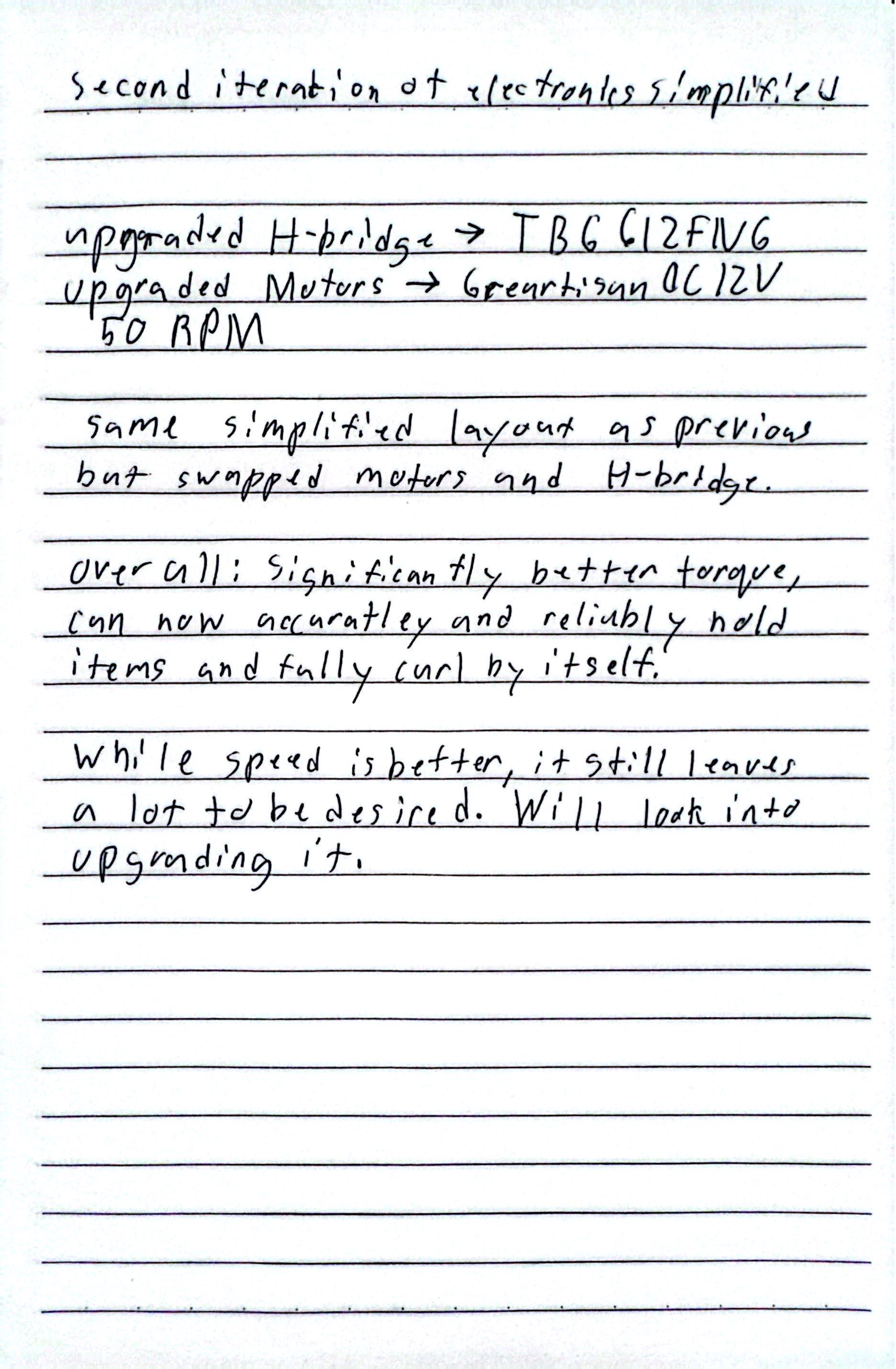
Slinky is a robotic tentacle with inspiration taken from: This article. The main idea was the create a tentacle that could do a logrithmic spiral which can also grab different items and possibly even catch a ball when it's thrown to it. Currently it uses Greartisan DC 12V 50RPM motors with TB6612FNG drivers, along with some current sensors, all controlled by a Raspberry Pi 5, and powered by USB-C with some adapters.
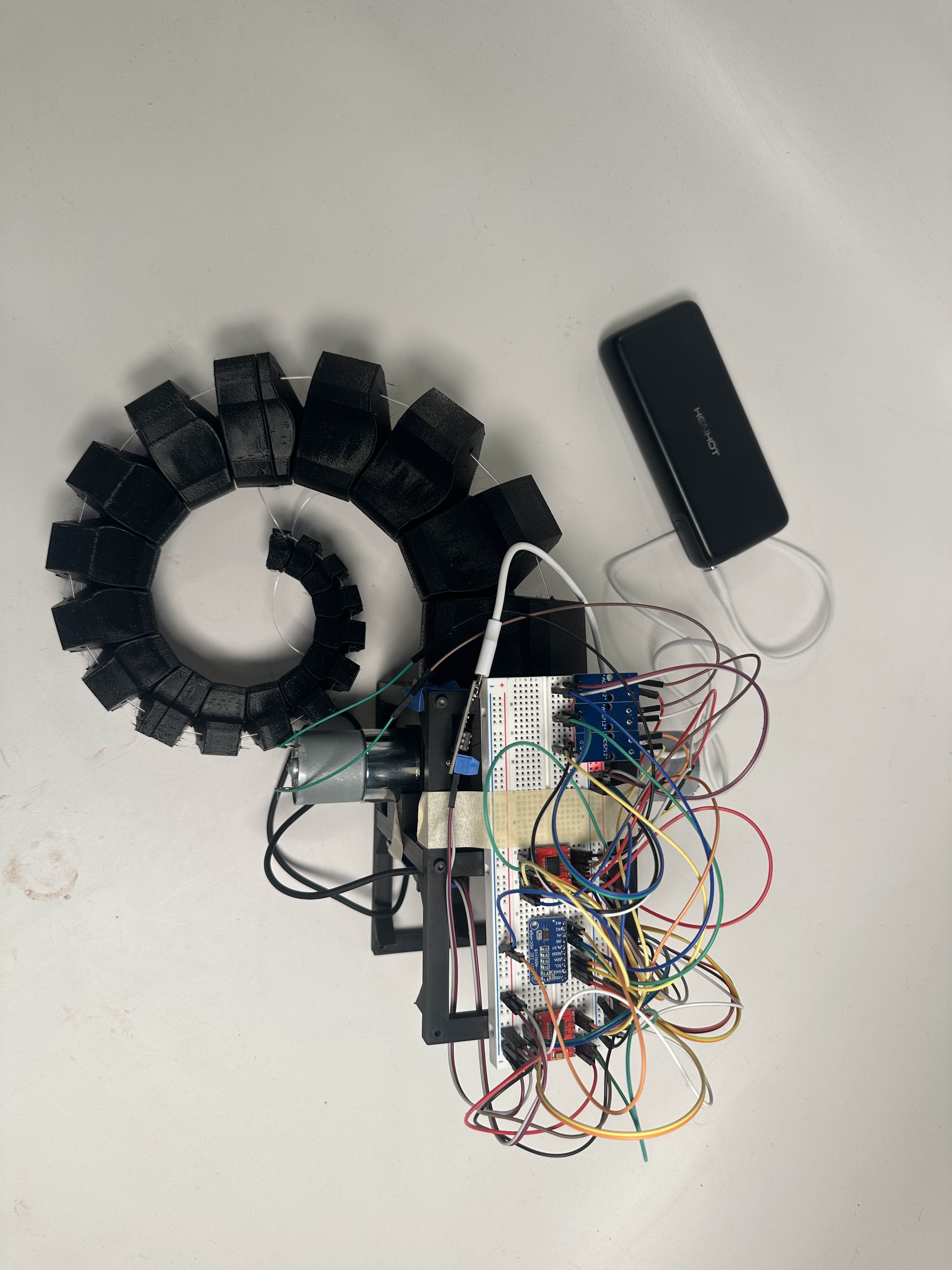
Initially I was using N20 30RPM 6V DC motors, however the torque was not nearly enough and the speed wasn't anything close to what I wanted either. So I then looked for upgrades, and found the current motors. In the process I also had to upgrade from the previous h-bridge modules (DRV8833). The original goal for this first checkpoint was to have slinky be able to hold a tennis ball or bag of chips. As the video shows, it can definietly do so, however the speed leaves a lot to be desired. For the final version of the project I will makde a dedicated enclosure to hide the current rats nest of wires, and also try to manufacture a PCB to remove a lot of said wires. If I have enough money and amps I will also try to increase the motors speed as well.
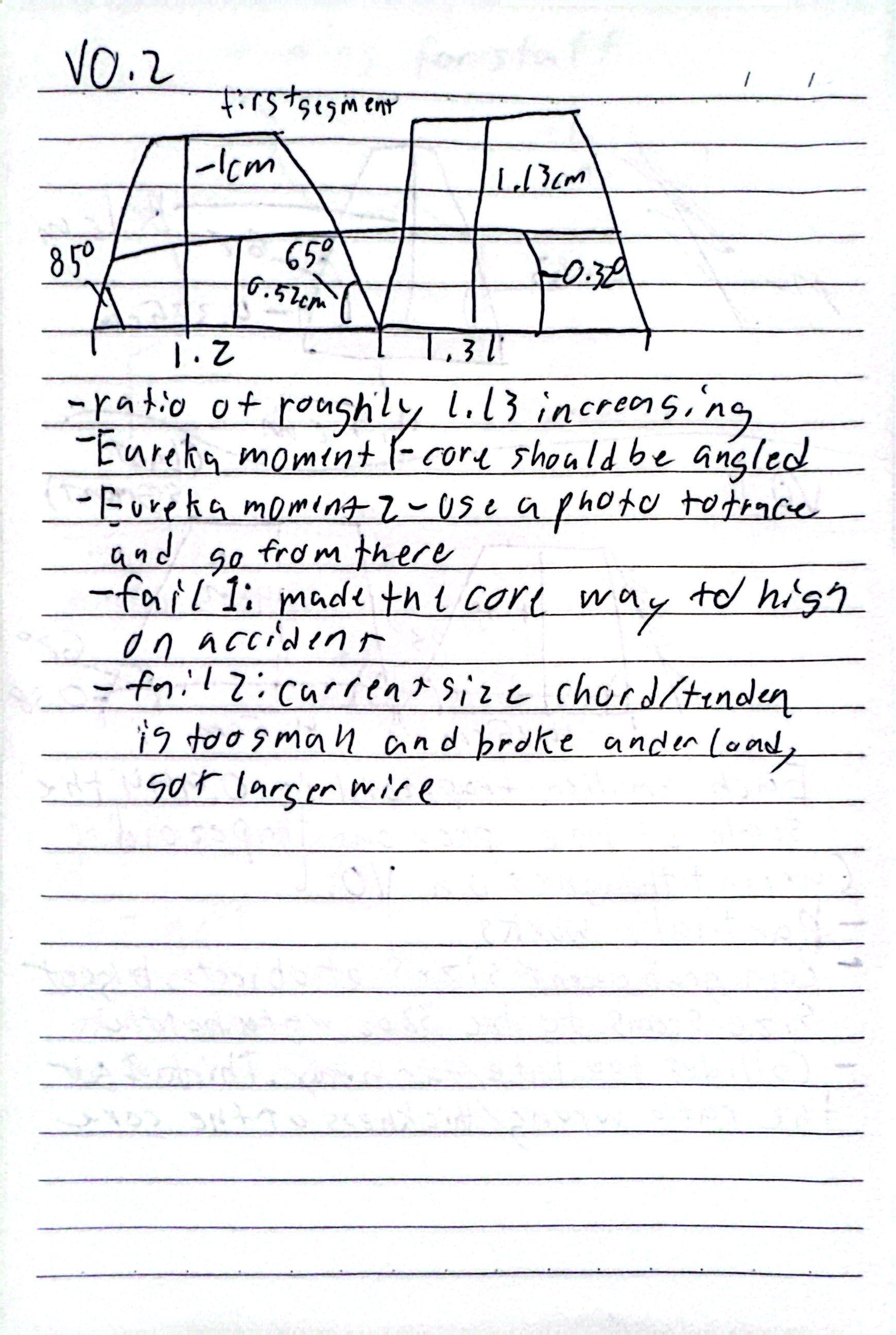
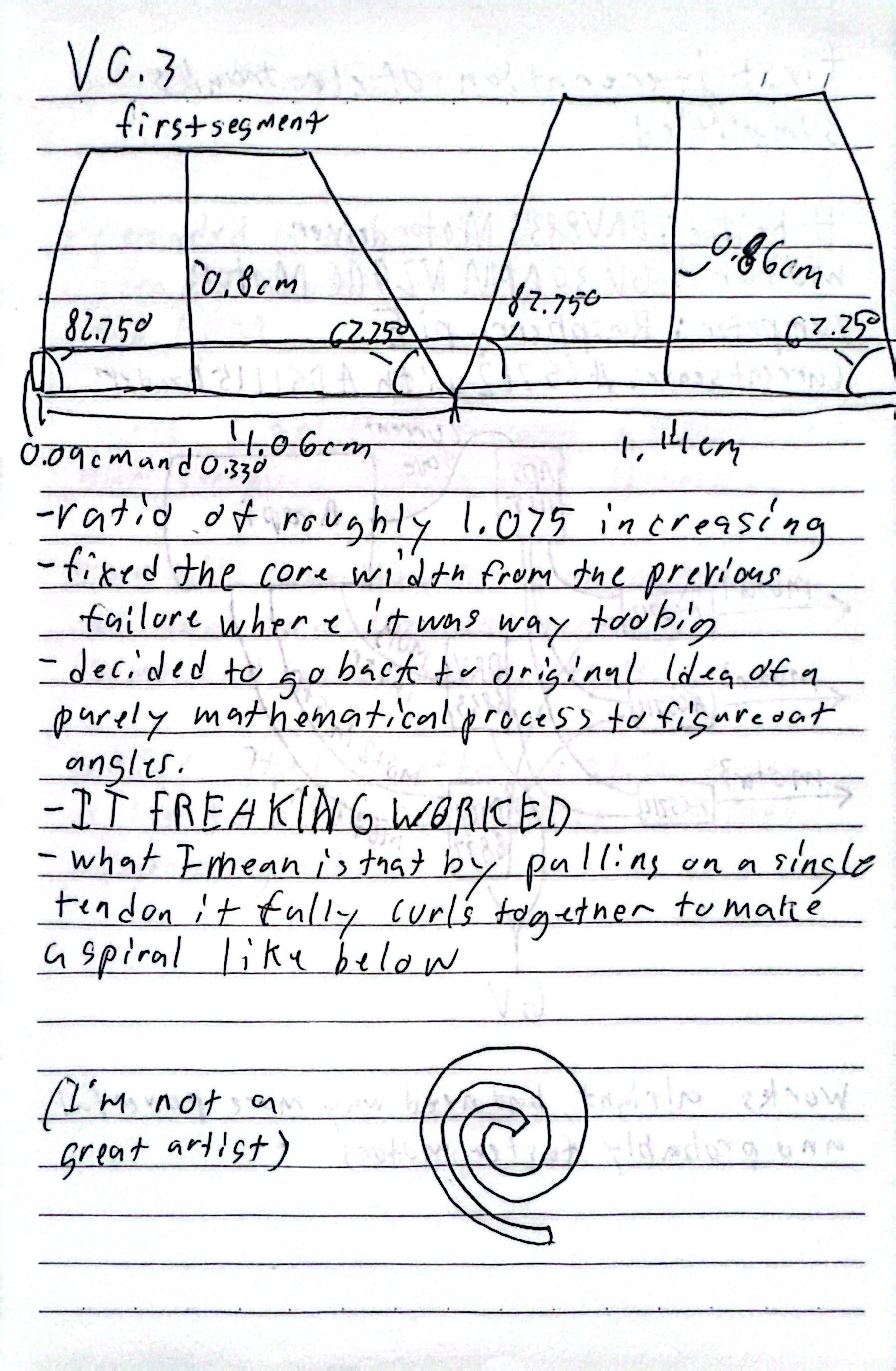
Heads up, the following images are all the physical documentation I was doing. It is all in the video as requested, but it is also here if you wanted to get a better look at it.
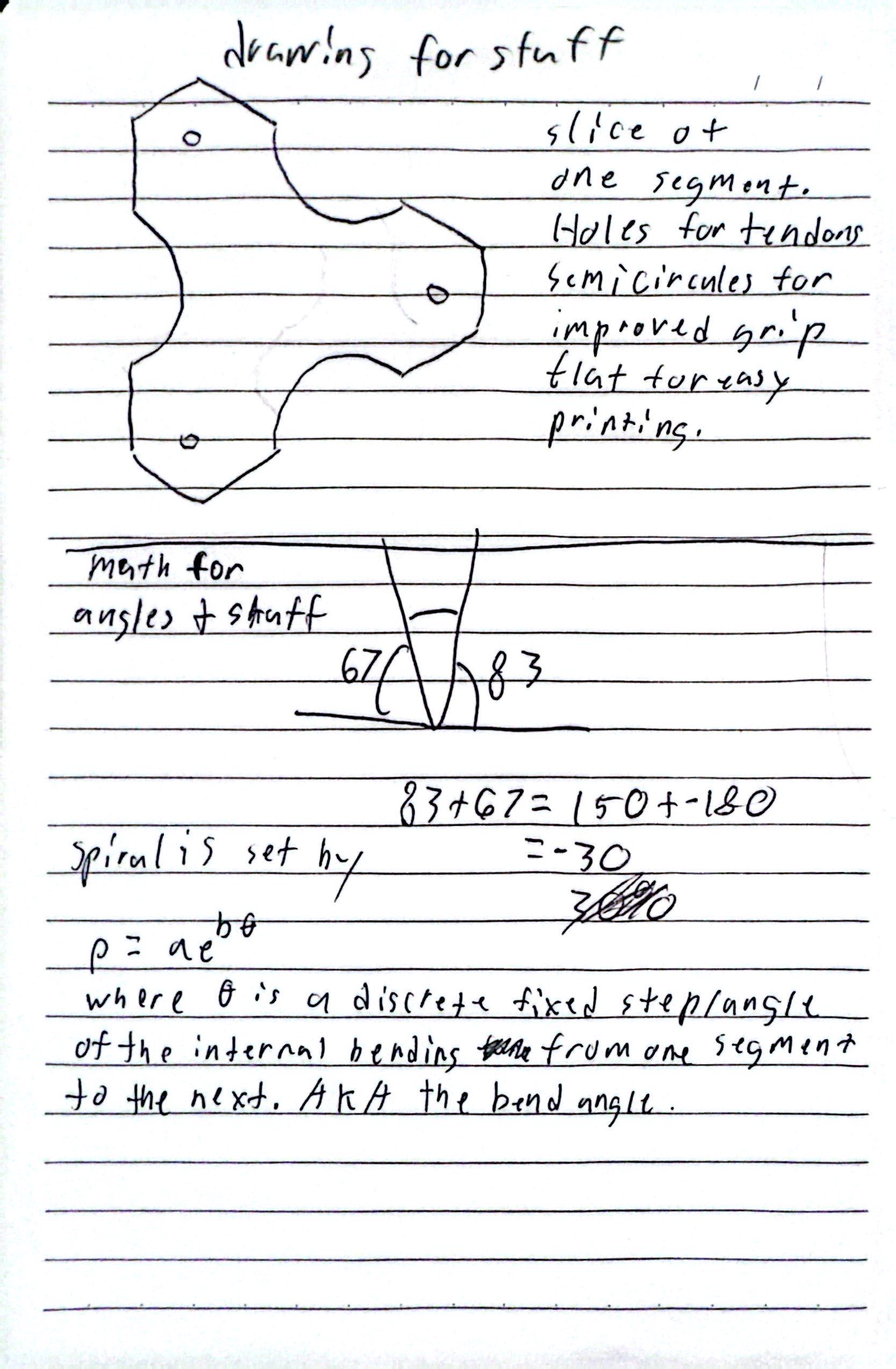
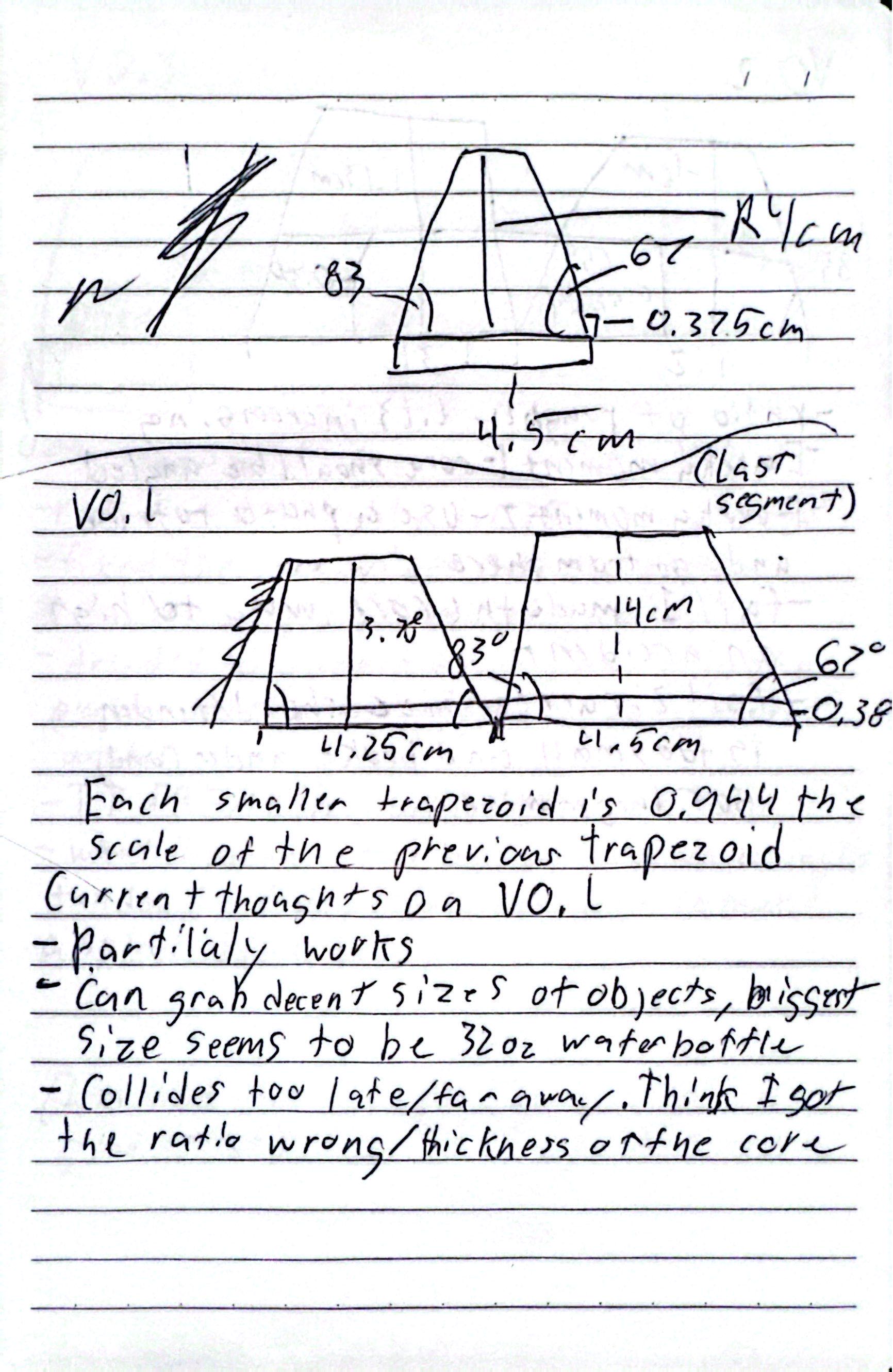
Below is the video with no added images to prove there weren't any hidden edits.